The register is the whole list in one table: every requirement, its issuing body, its edition, its validity and its status. It is what you put in front of an auditor who asks what you are held to.
The register needs only read_external_requirements - the same permission as the list itself.
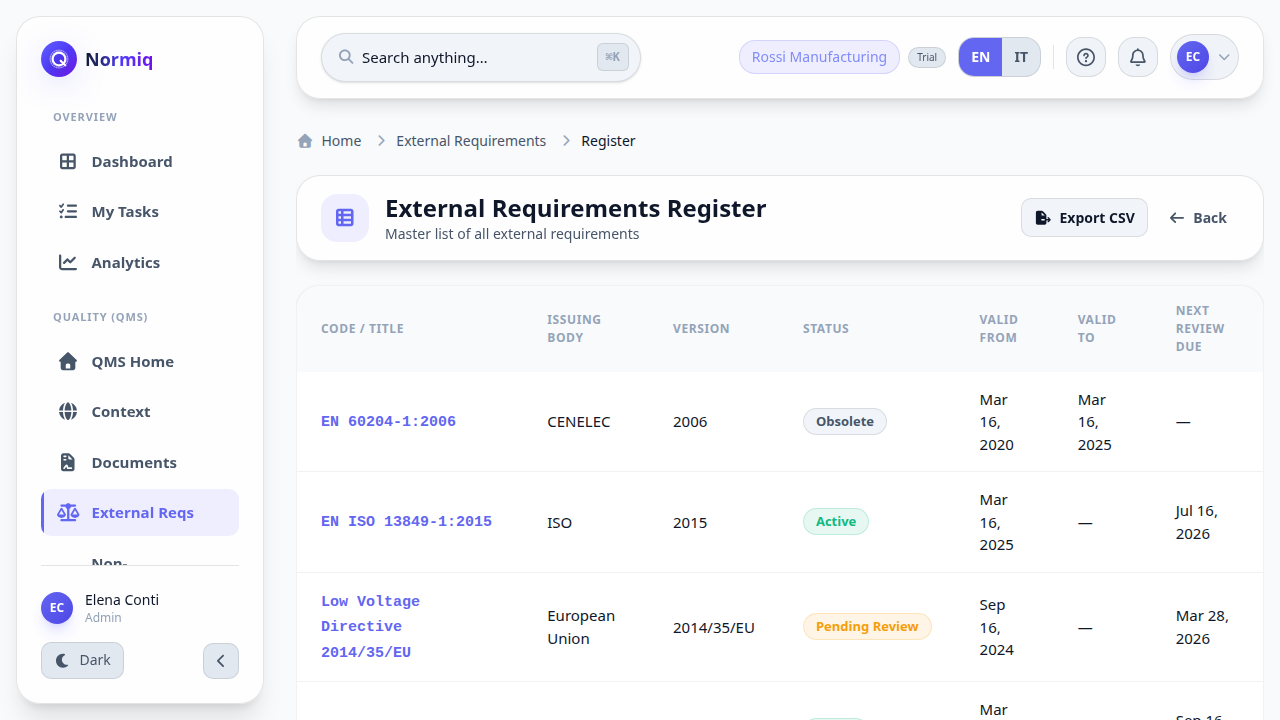
Export CSV takes the same table out of the app, for a management review or an audit pack.
Obsolete requirements stay in the register - the history of what applied, and when, is the point.
The register reads the same list as the main view; it is the presentation that differs.
An exported file is a copy, not the record. The register in Normiq is what stays current; a spreadsheet on someone's laptop starts ageing the moment it is saved.