Evidence is what makes a non-conformity checkable by someone who was not there. A photograph of the gap, the inspection sheet that failed, the email where the customer described the fault: attach them to the NC and they stay with it for as long as the record exists.
Attaching needs update_nc on the NC. Anyone who can read the NC can open its attachments, unless one is marked internal.
Attaching a file
Attachments go on the NC itself, from the Attachments panel. Images, PDFs and office documents up to 25 MB are accepted.
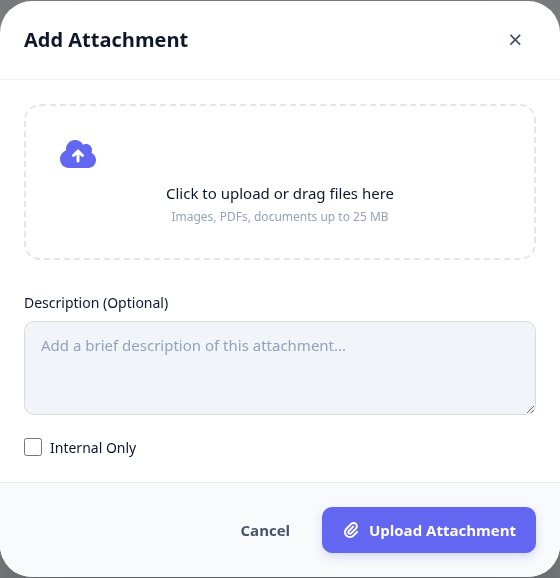
Open the NC and find the Attachments panel.
Drag the file in, or click to browse.
Describe what the file shows, not what it is called.
Mark it internal only if it should not leave the quality team.
Upload.
Reading one back
Images open in a preview without leaving the NC, so checking a photo does not mean downloading it first.
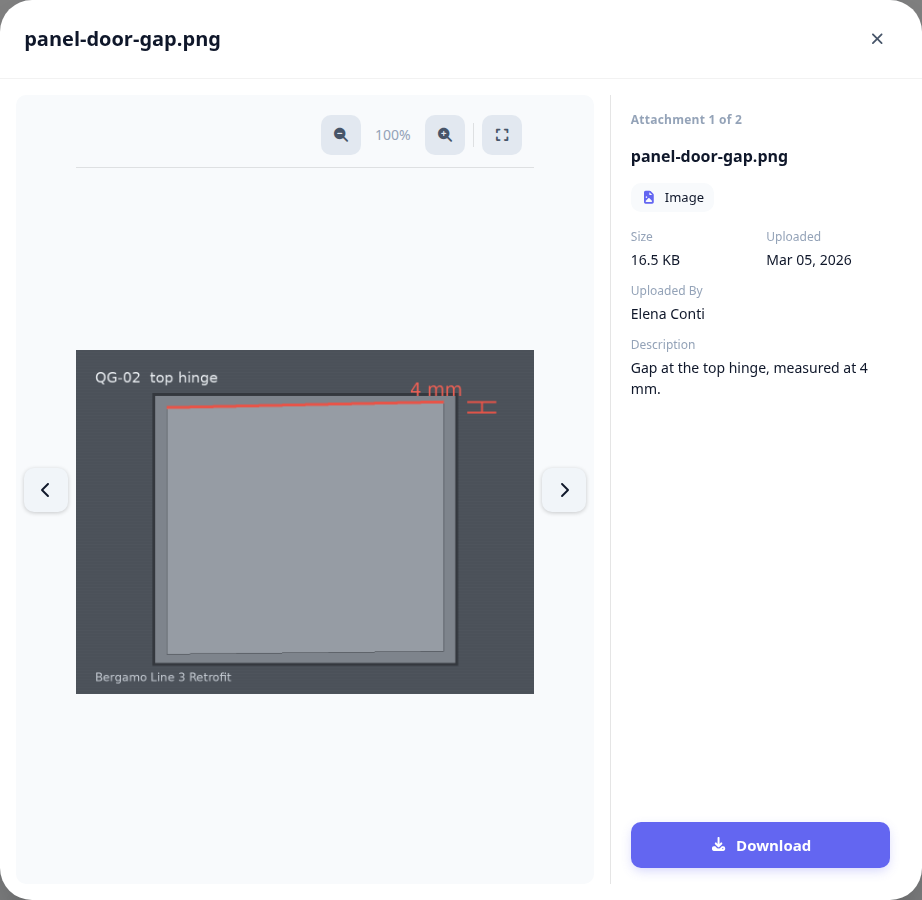
Photograph the defect where it happened, before the repair. A photograph of a finished repair evidences nothing about the problem.
What happens next
Attachments are part of the NC's audit trail: who uploaded what, and when.
They travel with the NC into the printed report and into any linked CAPA.
Deleting an attachment is recorded too - the file goes, the fact that it existed does not.
Related: record a treatment.