What counts as a non-conformity
Anything that did not meet a requirement: a product defect, a process that was not followed, a customer complaint, a supplier delivery that failed inspection. If you are unsure, raise it. An NC that turns out to be nothing costs a few minutes; one that was never raised costs an audit finding.
Filling in the wizard
The form is a wizard because the questions depend on each other. Your progress is saved as a draft as you go, so you can leave and come back.
Open Non-Conformity and click New.
Describe what happened, in plain language, and say when and where it was detected.
Classify it and pick the detection phase.
Attach the evidence: photos, a scan of the inspection sheet, the customer's email.
Route it to the responsible project or department, then submit.
A submitted report can no longer be edited by its author. Check the description and the attachments before you submit; while it is still a draft, everything is editable.
Finishing one later
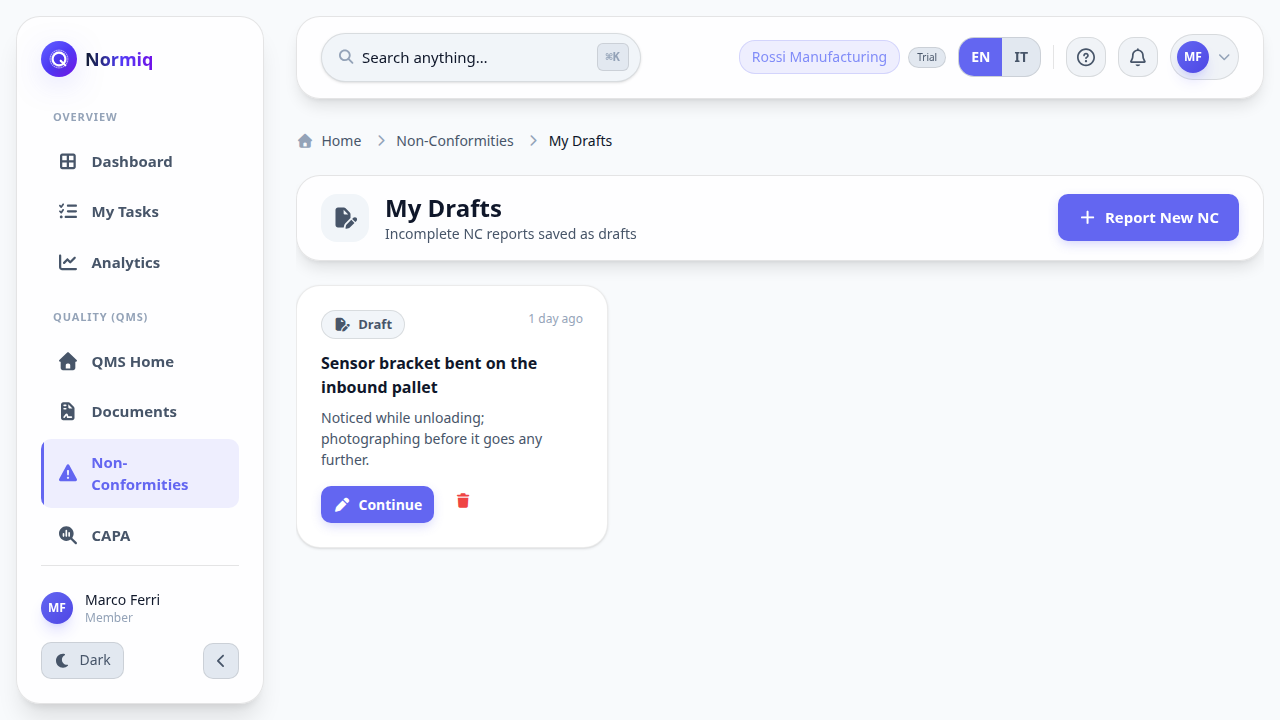
A report you started but did not submit waits for you under My Drafts. Nobody else sees it: a draft belongs to the person who wrote it until it is submitted.
What happens next
Quality triages it and picks an assignee, who is notified and takes over the treatment.
If the cause needs to be removed rather than the symptom, a CAPA is opened and linked to it.
The NC stays open until its treatment is verified, and it counts towards the module's KPIs for as long as it does.